First steps

What to do after something happens.

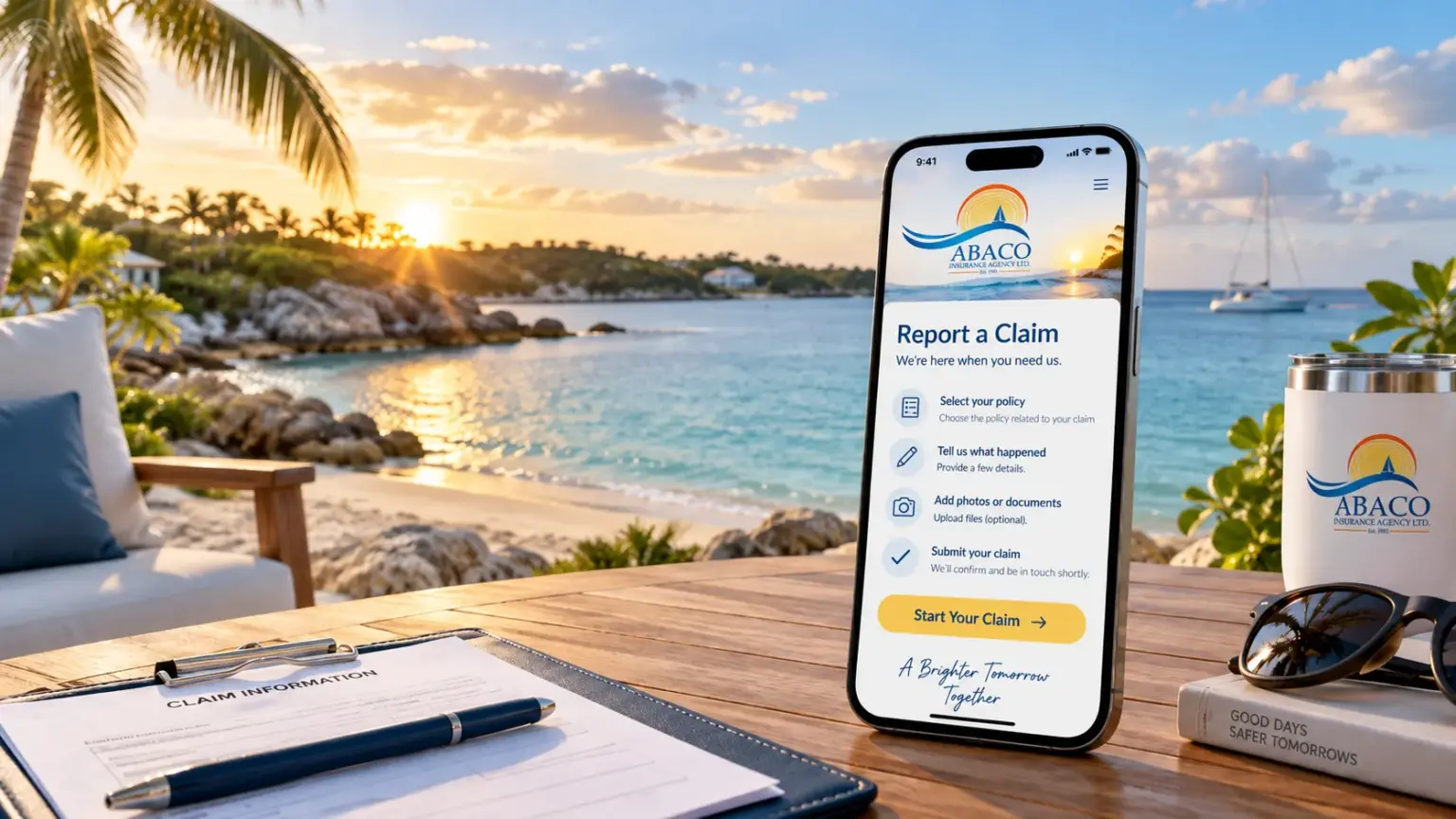
A phone showing the Abaco Insurance claim form on a seaside table at sunset
  1. Make sure everyone is safe

    If anyone is hurt or a road accident has occurred, please contact the police and/or the emergency services first.

  2. Record what happened

    Take photos of the damage and scene. Document the names, licence plates and contact details of anyone involved.

  3. Report it to your insurer

    Policyholders of both Bahamas First General and RoyalStar Assurance Ltd. can report their claims online below. If assistance is needed, visit our office and our team will be happy to help.

Who to report to

Report to the insurer on your policy.

Bahamas First General Insurance

Report your claim online below or through our office, and download the claim forms you need. We'll follow it through with you.

Report a claim

RoyalStar Assurance

Report your claim online below or through our office. You can also report directly on RoyalStar's claims website.

Go to RoyalStar claims

Claim forms

Your insurer's claim forms.

Bahamas First claims use the forms below. RoyalStar Assurance now takes all claims online, so RoyalStar links open their claims website.

Claim forms

Home and property claim form
Marine claim formWe'll send Bahamas First's marine claim form when you report.
Hurricane damage notificationAbaco Insurance's own form, now completed online.

Report a claim

Tell us what happened.

For Bahamas First General and RoyalStar Assurance policies. Send the details and any photos you have, and we'll contact you about next steps and the forms you need.
RoyalStar policyholders can also report directly on RoyalStar's claims website.

Report a claim

Fields marked * are required. Add photos if you can.

Claims: Report a claim